Welcome to the Jungle has moved to a new experience.
Here’s why we built it and what you need to know.
Start hereFinding the right job takes time.
We wanted to make the process simpler, with roles that fit what you’re looking for, clearer company insights and more direct ways to connect with hiring teams. That’s why we built a new Welcome to the Jungle experience.
Here’s what’s waiting for you
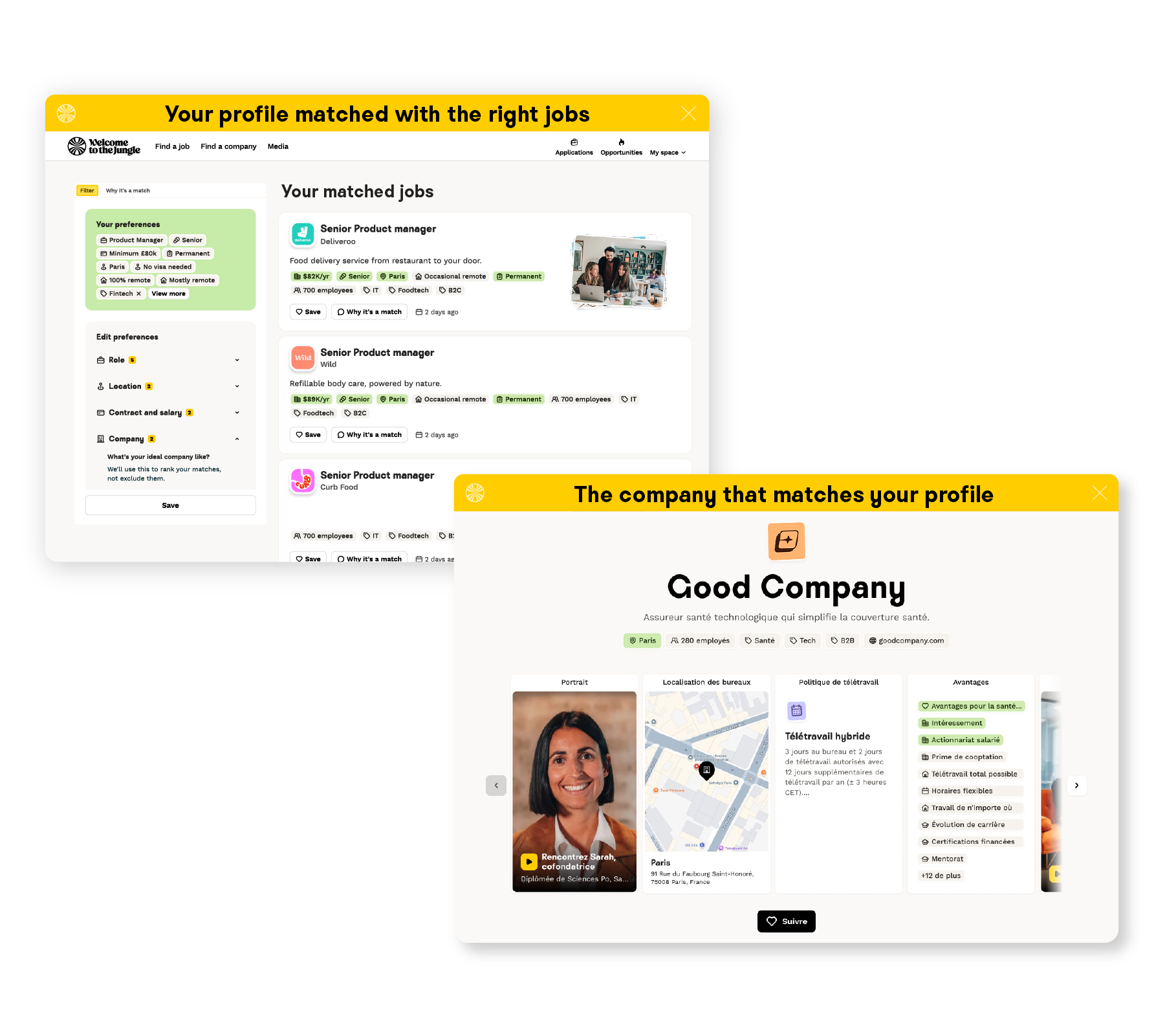
Find roles that fit what you’re looking for
Get a clearer picture before you apply
Let the right companies find you
Keep conversations moving
Welcome to the Jungle on your phone
Welcome to the Jungle is still available on your phone. You can search, apply and manage your profile directly from your mobile browser. Add a shortcut to your home screen for quick access, just like an app.
Add Welcome to the Jungle to your home screen
iPhone
Add to your iPhone home screen
- Open Welcome to the Jungle in Safari
- Tap the Share icon
- Tap Add to Home Screen
- Rename the shortcut and tap Add
Android
Add to your Android home screen
- Open Welcome to the Jungle in Chrome
- Tap the three-dot menu
- Tap Add to Home screen
- Tap Add
From October, if you have the mobile app downloaded it won't be updatable or usable anymore.
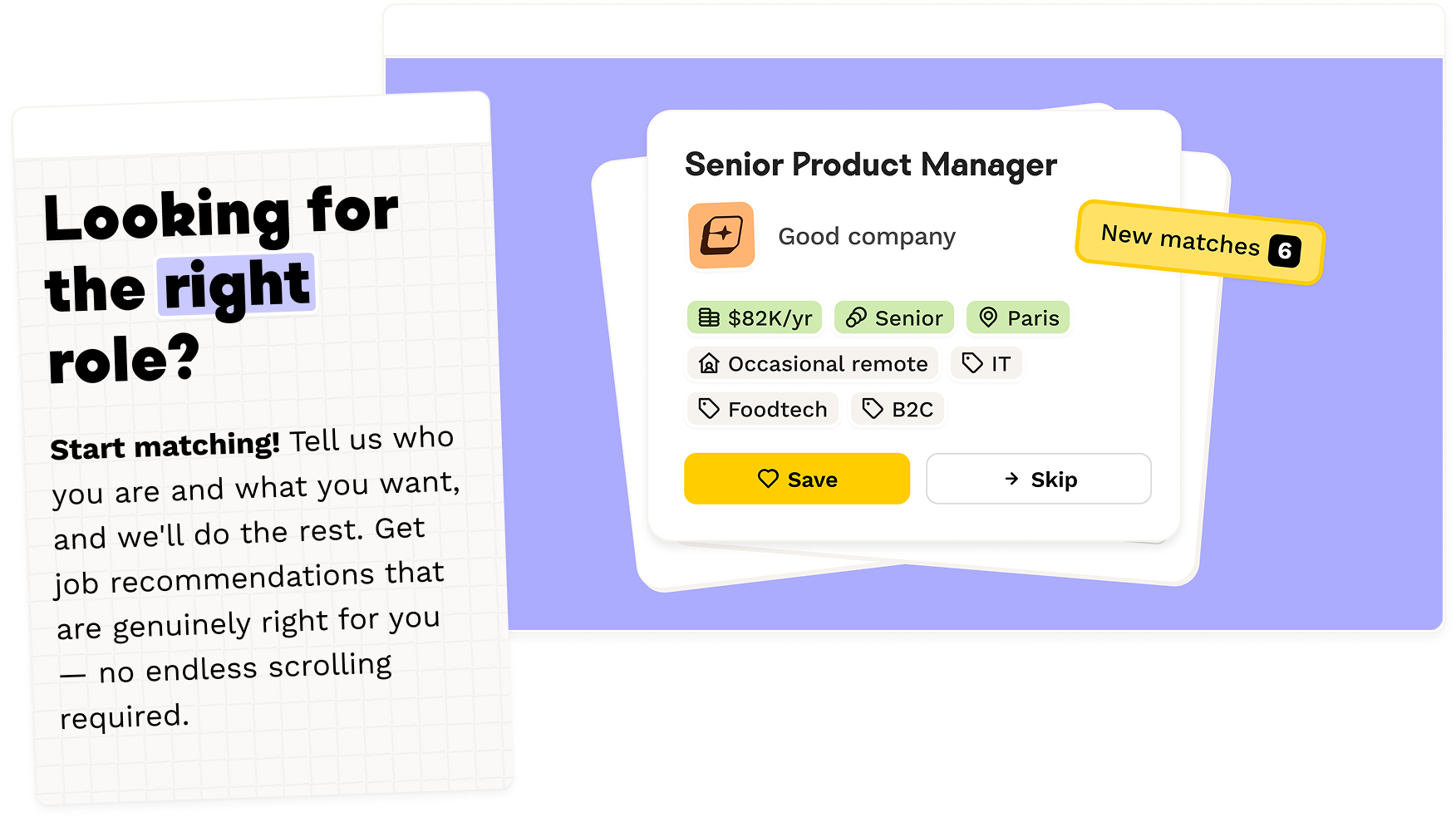
Ready to explore?
Visit Welcome to the Jungle and start finding roles that fit what you’re looking for.
Go to Welcome to the JungleYour questions, answered
General
▶Why do I need to set up a new profile?
The new platform is built slightly differently, which means we can't automatically transfer your existing profile across.
The good news is it only takes a few minutes to get set up, and it's actually a great opportunity to update your details to reflect where you are now – new skills, different salary expectations, a clearer idea of the culture you're looking for. The more accurate your profile, the better your matches from day one.
▶Where do I log in?
Head here. You'll create your new profile there and be up and running in minutes.
▶Do I need to sign up again?
You'll need to set up a new profile on the new Welcome to the Jungle experience. We'll send you a direct link and clear instructions by email, so you'll know exactly where to start.
It only takes a few minutes, and you can use the opportunity to update your skills, preferences and what you're looking for now.
▶What happens to my saved jobs?
Your saved jobs won't carry over to the new platform. If there are roles you want to revisit, head to the mobile app to make a note of them or take a screenshot. Please contact customer support if you have any issues.
▶What about my application history?
Your previous applications won't transfer to the new Welcome to the Jungle experience. Head to the mobile app to make a note of them or take a screenshot. Please contact customer support if you have any issues.
Once you've set up your new profile, applications you make on the new platform will be tracked there.
▶What about my messages?
Your previous messages won't transfer to the new Welcome to the Jungle experience. If you want to keep a record of an active conversation, take a screenshot or note down the key details before the switch.
The companies and recruiters you've contacted will still have your details and know how to reach you.
▶Shall I apply again to jobs I've already applied to recently?
No. Please don't apply again, recruiters have your application, and email address. They'll contact you via email.
Mobile App
▶Why can’t I use the mobile app anymore?
We're focusing on one Welcome to the Jungle experience.
You can still do everything you need from your phone using mobile web: search and apply for jobs, save opportunities, receive job alerts and message hiring teams.
Mobile web updates automatically, so you’ll always have the latest version of Welcome to the Jungle without needing to download app updates.
Add Welcome to the Jungle to your home screen for quick access, just like an app.
▶Does mobile web have all the same features?
Yes. You'll still be able to search and apply for jobs, save jobs, receive alerts and message hiring teams from your phone.
You can also add Welcome to the Jungle to your home screen for quick access, just like an app. New features will be added directly to mobile web, so you'll always use the latest version without downloading updates.
▶Will it work on my phone?
Yes. The mobile website works on iOS and Android phones across major browsers. There's no app to download.
▶Is mobile web as fast as the app?
Mobile web is designed to be fast and easy to use, just like the app. It also updates automatically, so you can access improvements without waiting for an app update.
▶Can I still apply to jobs on my phone?
Yes. You can apply for jobs, save roles, message hiring teams and manage your profile from your phone using mobile web.
Still have questions? We're here to help.
CONTACT SUPPORT